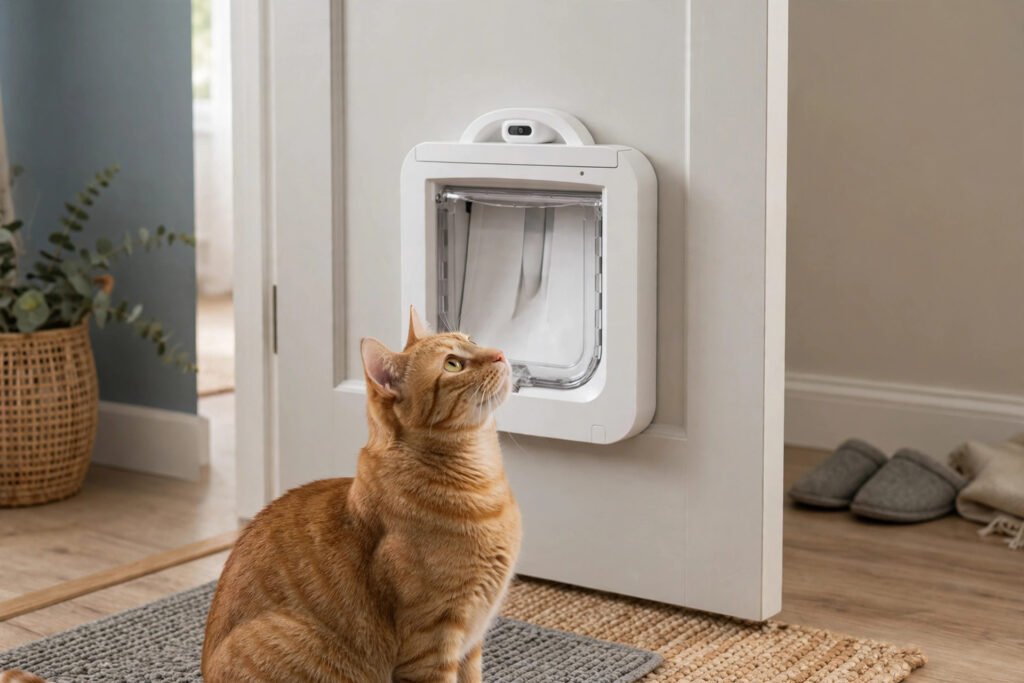
The scene is familiar to every microchip flap owner: your cat sits in front of the flap, head in the tunnel, nothing happens — then a look over the shoulder that clearly blames you. A microchip cat flap not working is usually something simple, though. Before you conclude the flap is faulty, work through this microchip flap troubleshooting checklist in order. Genuine failures happen, but most “not reading” episodes trace back to one of a handful of causes — flat batteries, a chip sitting further from the reader than you think, or a cat whose approach never quite puts the chip where the reader lives.
First, understand what a successful read looks like
A SureFlap or PetSafe microchip flap reads the 15-digit number of your cat’s ISO FDX-B vet chip as it passes the reader in the tunnel arch. The read happens when the cat’s head and shoulders are properly into the tunnel — not at the front face of the flap, and not from a cat standing beside it. A successful read releases the lock for a few seconds with an audible click. Every check below is about restoring one link in that chain: power, chip, position, or the flap’s settings.
Microchip cat flap not working? The checklist, in order
1. Check the batteries before anything clever
A flap with tired batteries often fails intermittently before it fails completely — reading the cat who pushes in confidently at noon and ignoring the cautious one at midnight, or clicking weakly and re-locking before the cat moves. Low power is the commonest cause of a microchip cat flap not working, and the cheapest to fix. Fit a fresh set of the correct batteries, wait a few seconds, and test with a proper pass. If the flap has a low-battery indicator, believe it the first time it appears, not the tenth.
2. Watch one full approach, slowly
Stand back and observe a real attempt. Many failed reads are geometry, not electronics. A cat that pokes just its nose in and recoils never gets its shoulder blades — where the chip sits — under the reader arch. A cat slipping through at speed can be past the reader before the check completes. A cat approaching at a sharp angle from the side presents the chip off-centre. If the approach is the problem, the cure is confidence, not parts: a few sessions with the flap’s locking relaxed or held, favourite food on the far side, and time to rehearse a straight, unhurried pass.
3. Clean the tunnel and the flap
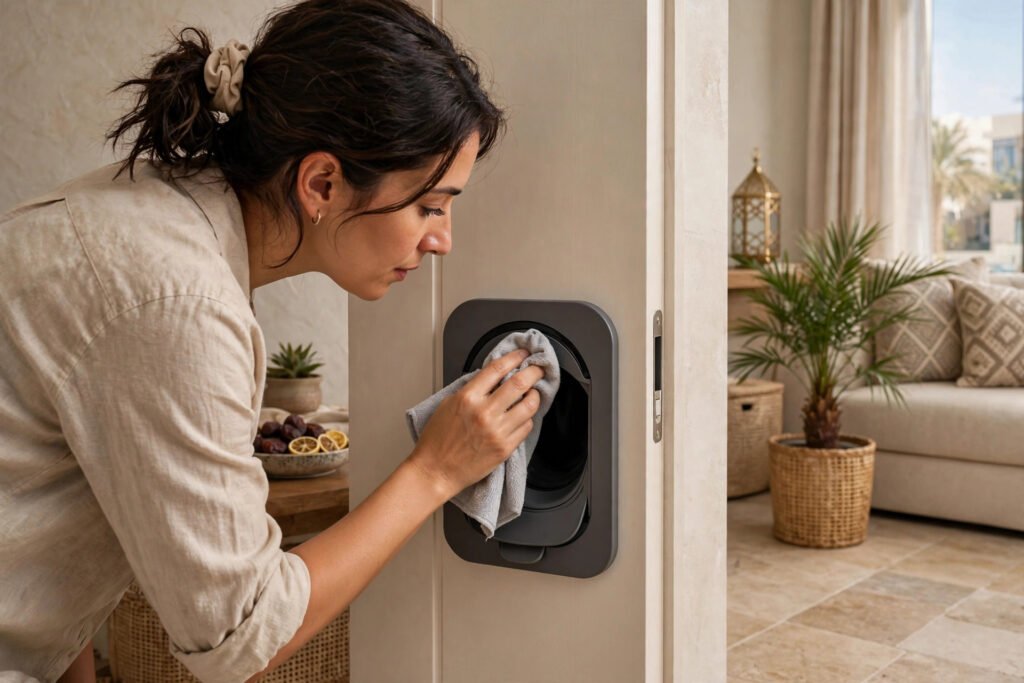
Dust is a way of life in the UAE, and it gathers in tunnels. A build-up of dust, fur and garden grit around the reader area and the flap’s seals can interfere with both reading and clean locking. Wipe the tunnel, the arch and the flap faces with a soft, dry cloth, clear the seal lines, and test again. While you are there, check nothing metallic has been placed against the door near the flap — a new metal pet bowl station or a steel kick plate beside the door can sit inside the reader’s world and muddy it.
4. Confirm the flap is in the right mode
Microchip flaps also carry manual lock settings — locked shut, in only, out only, open — for nights and holidays. A flap left in a manual mode will ignore every chip in the world and behave exactly like a broken one. Check the lock setting is back to microchip operation, and if your model has a curfew or timer function, confirm an old setting has not quietly reasserted itself.
5. Re-teach the chip in learn mode
Memory glitches are rare, but settings get reset during battery mishaps and house moves. Put the flap into learn mode and walk your cat through on a fresh pass, exactly as on pairing day, one cat at a time. If the cat pairs immediately and then works in normal mode, the list had lost the number and now has it back.
6. Have the chip itself checked
If the flap reads other cats but never this one, suspicion moves to the chip. Microchips occasionally migrate from their original position — usually down the shoulder or chest — which puts them further from the reader than a brief pass allows, and very occasionally a chip fails outright. Your vet can scan the cat in seconds, confirm the chip is present and reading, and tell you where it now sits. A migrated chip usually still works with a slightly slower, fuller pass through the tunnel; your vet’s findings tell you which adjustment to make.
When it really is the flap
If fresh batteries, a clean tunnel, the correct mode, a clean re-pairing and a vet-confirmed chip still produce no read for any cat, then the reader itself is the likely fault and it is time to talk to us. Send a short video of a failed attempt if you can — it shows us the cat’s approach, the flap’s response and any indicator behaviour in one clip, and diagnosis is twice as fast.
One reassurance while you work through the list: a microchip flap that stops reading does not strand your cat outdoors by surprise. The lock fails closed to unregistered animals, but your cat has you — and the checks above, honestly worked through, resolve the overwhelming majority of cases the same evening.
Frequently asked questions
The flap reads my cat sometimes but not others. What does that point to?
Intermittent reads usually mean a marginal link rather than a dead one: batteries on the way out, a chip that has migrated slightly, or an approach that only sometimes puts the chip in range. Work the checklist in order — power first, then approach, then a vet scan to locate the chip.
Can a microchip flap lose its stored cats?
It is uncommon, but a full power interruption or a factory reset can clear the list. The symptom is unmistakable: no cat is read at all. Re-pair each cat in learn mode, one pass each, and the list is rebuilt in minutes.
My cat’s chip was confirmed by the vet but the flap still ignores it. Next step?
Check the chip’s position from the vet’s scan against how your cat passes. A migrated chip low on the chest may need a fuller, slower pass with the cat’s head deeper into the tunnel. If a deliberate, correct pass still fails while other cats read fine, send us a video — that combination points to a reader alignment issue we should look at.
Does the flap need Wi-Fi or an app to work?
No. The SureFlap and PetSafe microchip flaps we fit work entirely at the door — chip, reader, list — with no network involved. A “not working” flap is never a broadband problem.
How often should batteries be changed?
Change them when the low-battery indicator shows, and treat intermittent reading as an early warning rather than waiting for total failure. Keeping a spare set by the door turns the commonest fault in this article into a two-minute fix.
Still stuck? Send us the evidence
WhatsApp us on +971 52 443 2655 with a short video of your cat’s failed attempt and a note of which checks you have run, and we will pinpoint the fault — a microchip cat flap not working is rarely a mystery once the evidence is in. You can also email admin@petdoorfix.com. We fit and support microchip cat flaps across all seven UAE emirates. Need it fixed in the UAE? PetDoorFix replaces chewed, broken and worn flaps across the UAE — see our flap repair and replacement.
Instant WhatsApp Photo Quote
Send a photo of your door, your pet's size, and your area.
WhatsApp Photo QuoteNext guide: The 15-Digit Chip: FDX-B Pet Microchips in the UAE and What Your Flap Reads